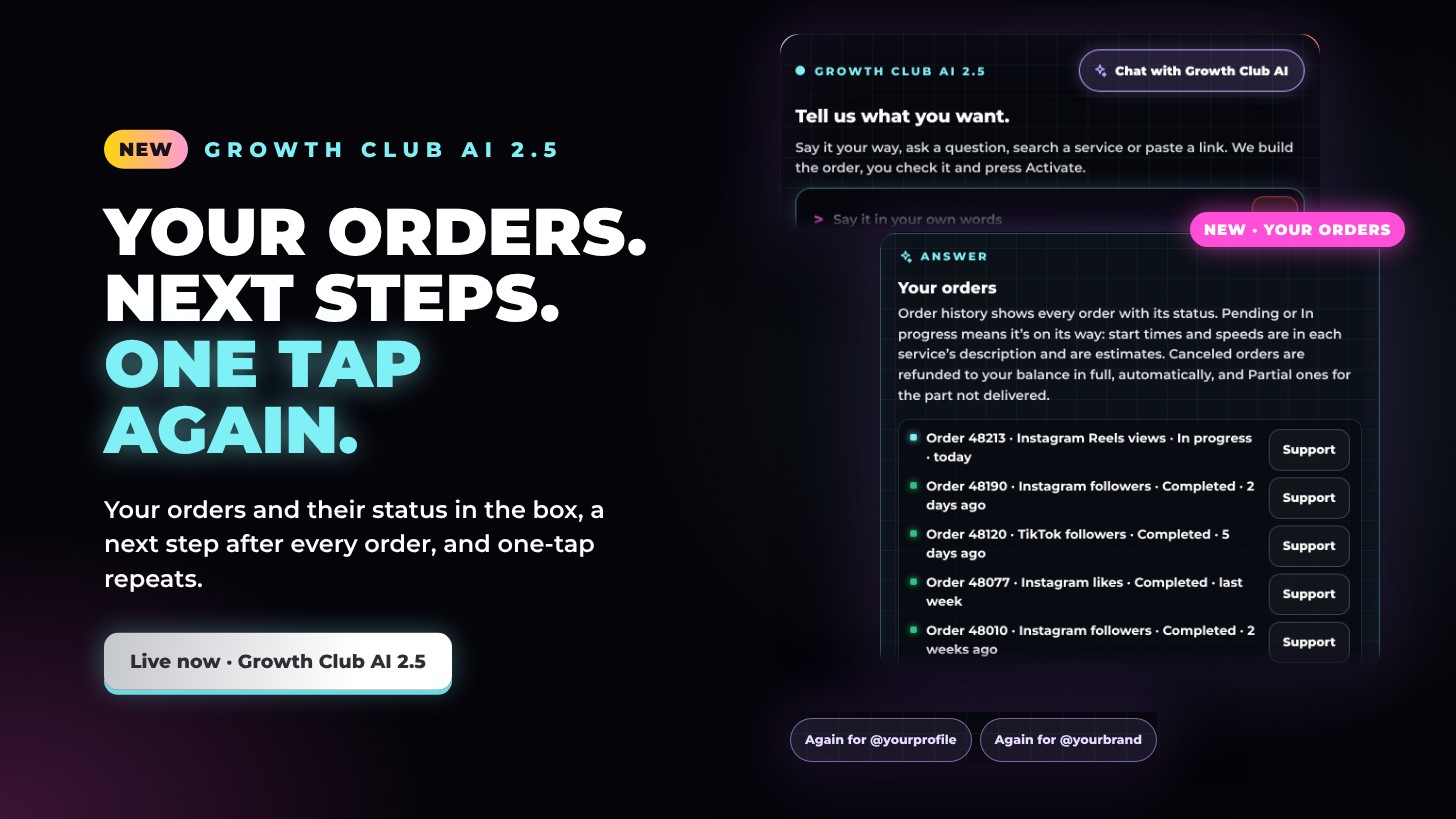
Growth Club AI 2.5: your orders, next steps and one-tap repeats
Growth Club AI 2.5 is live. Ask where your order is and your latest orders appear with their live status, right in the box. When an order goes in, it suggests a next step that fits. And with Memory on, one tap sets up your last order for a profile again. Growth Club AI is now out of beta too.
Your orders, in the box
- Just ask. Tap Where’s my last order? under the box, or ask where your order is, and your latest five orders appear with their live status.
- Up to date. The status comes straight from your Order history and is refreshed when you look again.
- Support in one tap. Each order has Support, which opens a ticket about that order with its number already filled in.
A next step after every order
- Also add to the same post. When an order for a reel, video, Short or story goes in, Growth Club AI offers the other services that work on that same link. For a profile, it’s Also for @yourprofile.
- Like this service? Turn it into… Automatic, so it’s added to each of your next posts, or Repeat daily, the same amount every day for 7 days. You only see the one that fits the service.
- Nothing goes in by itself. Each tap builds a plan in the box for you to check. Nothing is ordered until you press Activate.
Again for @yourprofile
- One tap to repeat. With Memory on, the bottom of the box shows Again for @yourprofile for up to three profiles you order to, newest first.
- The same order, ready to check. A tap sets up that profile’s latest completed order again, with the same service and amount, as a plan. Nothing is ordered until you press Activate.
- Only your own. It only uses your own Order history, and Memory stays your choice: switch it off at the bottom of the box.
Quicker starts
- New buttons under the box. Show me all services, How do I get brand deals? and Where’s my last order? get you going in one tap.
Out of beta
Growth Club AI is out of beta. The chat keeps its BETA label a little longer while we keep improving its answers, and tapping Helpful? Yes or No under an answer still helps us do that.
Try it now
Growth Club AI 2.5 is at the top of the Service page. Tell it what you want, ask where your order is, or tap Chat with Growth Club AI to talk it through. You check the plan, then press Activate.